

Task View Configuration - UI Component

Designing for Clarity, Not Just Layoutssds
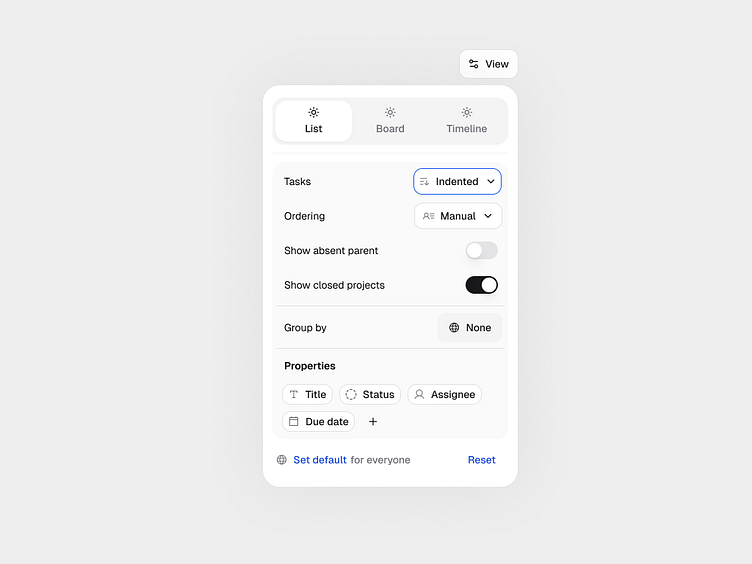
This shot explores how task views can adapt to different working styles without adding cognitive overhead.
Instead of treating List, Board, and Timeline as separate features, the goal was to design them as multiple lenses on the same data — configurable, predictable, and easy to reason about.
Key design considerations:
-> View-level controls: indentation, grouping, ordering, and visibility are configurable per view, not globally.
-> Progressive disclosure: advanced options stay hidden until needed, reducing visual noise.
-> Mental model consistency: the same task structure behaves consistently across List, Board, and Timeline.
-> Low-friction defaults: sensible presets that work out of the box, but never block power users.
This helpusers understand hierarchy, priority, and ownership at a glance — and letting the system adapt to how teams actually work.
Exploring the balance between flexibility and clarity in complex productivity tools.
— UX / Product Design • Information Architecture • Interaction Design

Curious how this thinking translates into real products? I work on UX systems and conversion-focused product design for SaaS teams — from information architecture to build-ready UI.
👋 Feel free to reach out if you’re exploring similar problems or need help clarifying complex product flows.